L1 Dashboard Overview
The L1 Dashboard in the AvaCloud Portal is your central hub for observing, configuring, and maintaining your L1 blockchain. This guide summarizes the main dashboard features and how each section empowers you to manage your L1 environment effectively.
Prerequisites
Make sure you have already set up an L1 blockchain. If you need help, refer to creating an L1 with the free trial or creating an L1 with a Starter/Pro plan.
Accessing the Dashboard
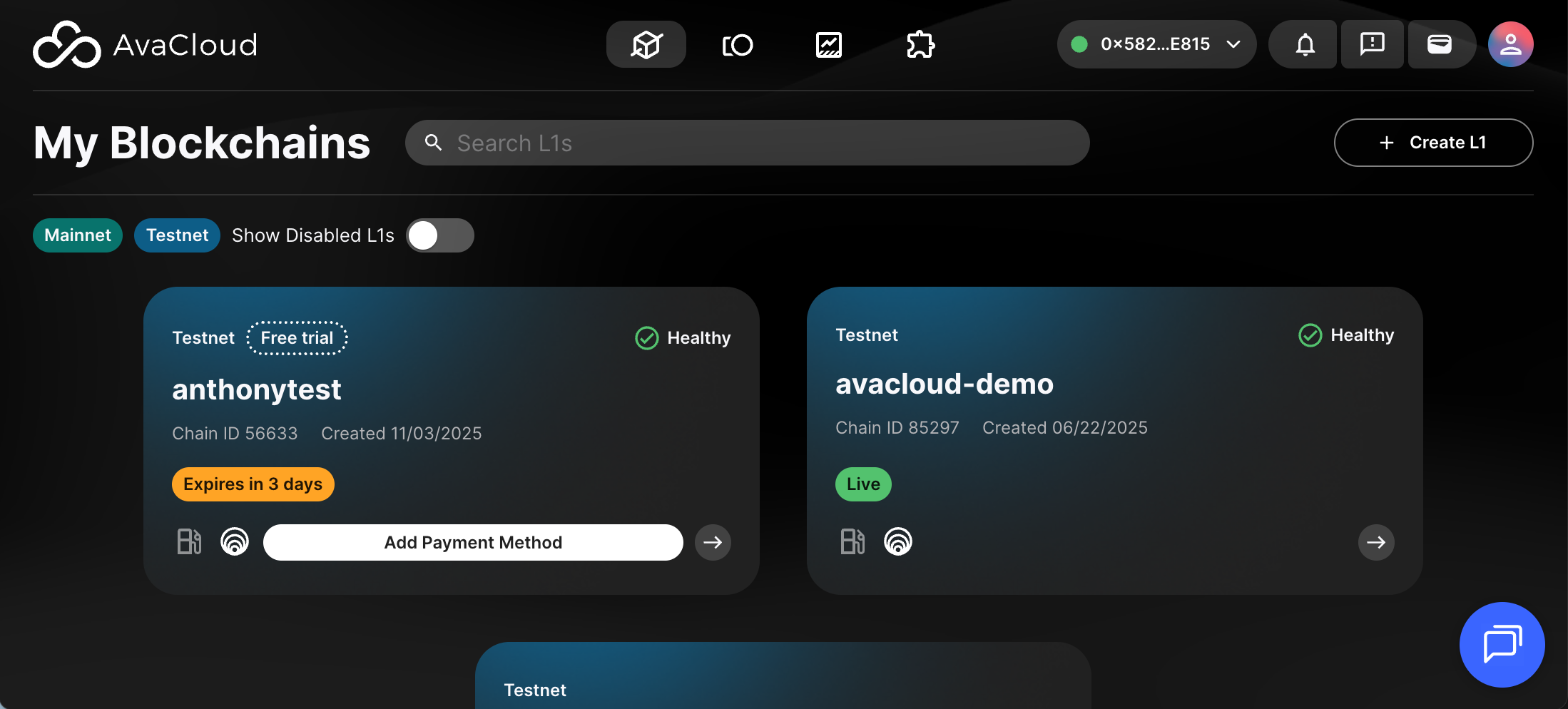
After signing in to the AvaCloud Portal, go to My Blockchains. Here you’ll see your L1 blockchains and their current life cycle stages. You can switch between Mainnet and Testnet views. Click the L1 you want to manage to enter its dedicated dashboard.
Key Sections
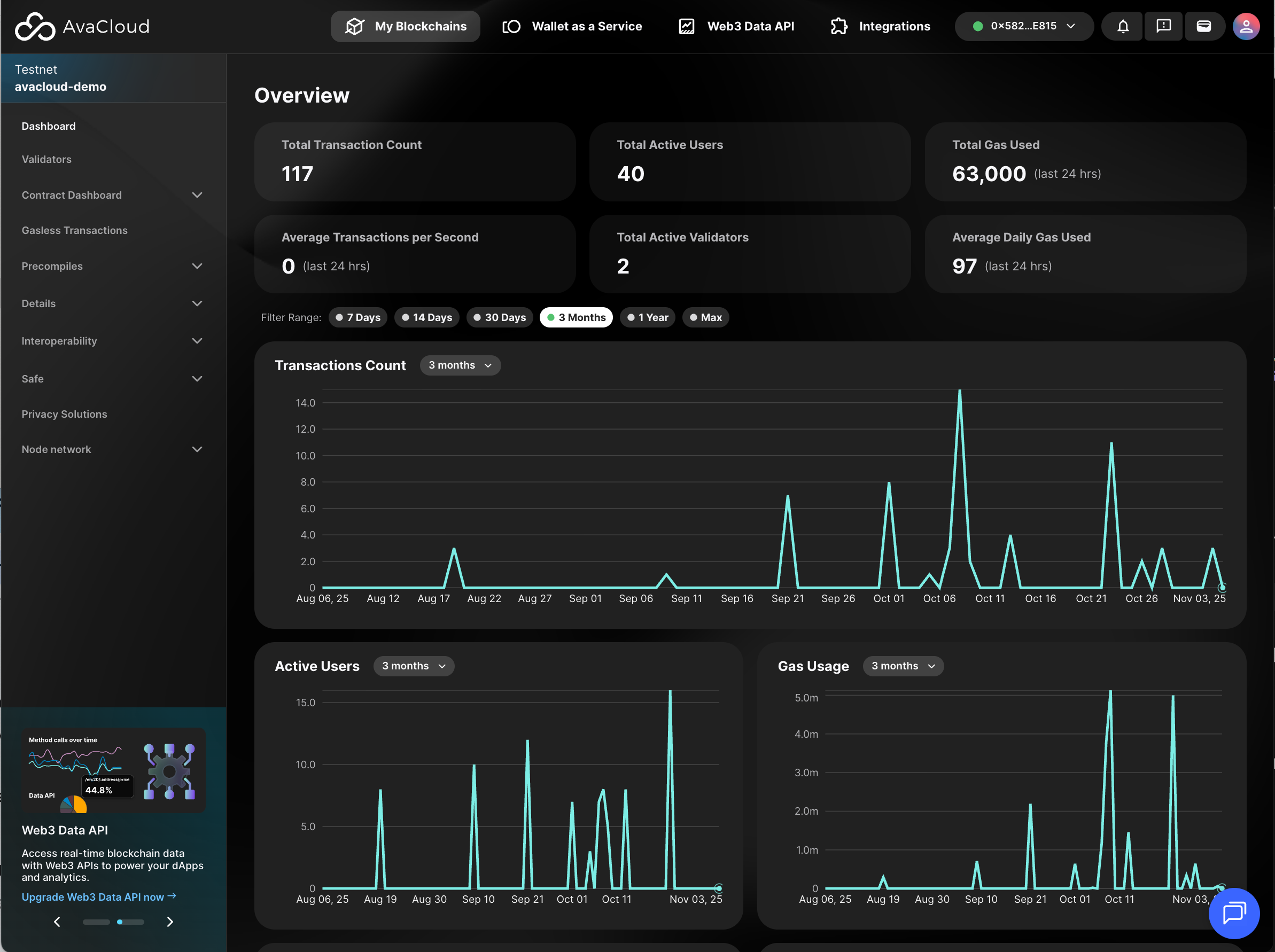
Dashboard
This tab presents a summary of your L1’s key information, such as its operational status, recent activity, and important metrics.
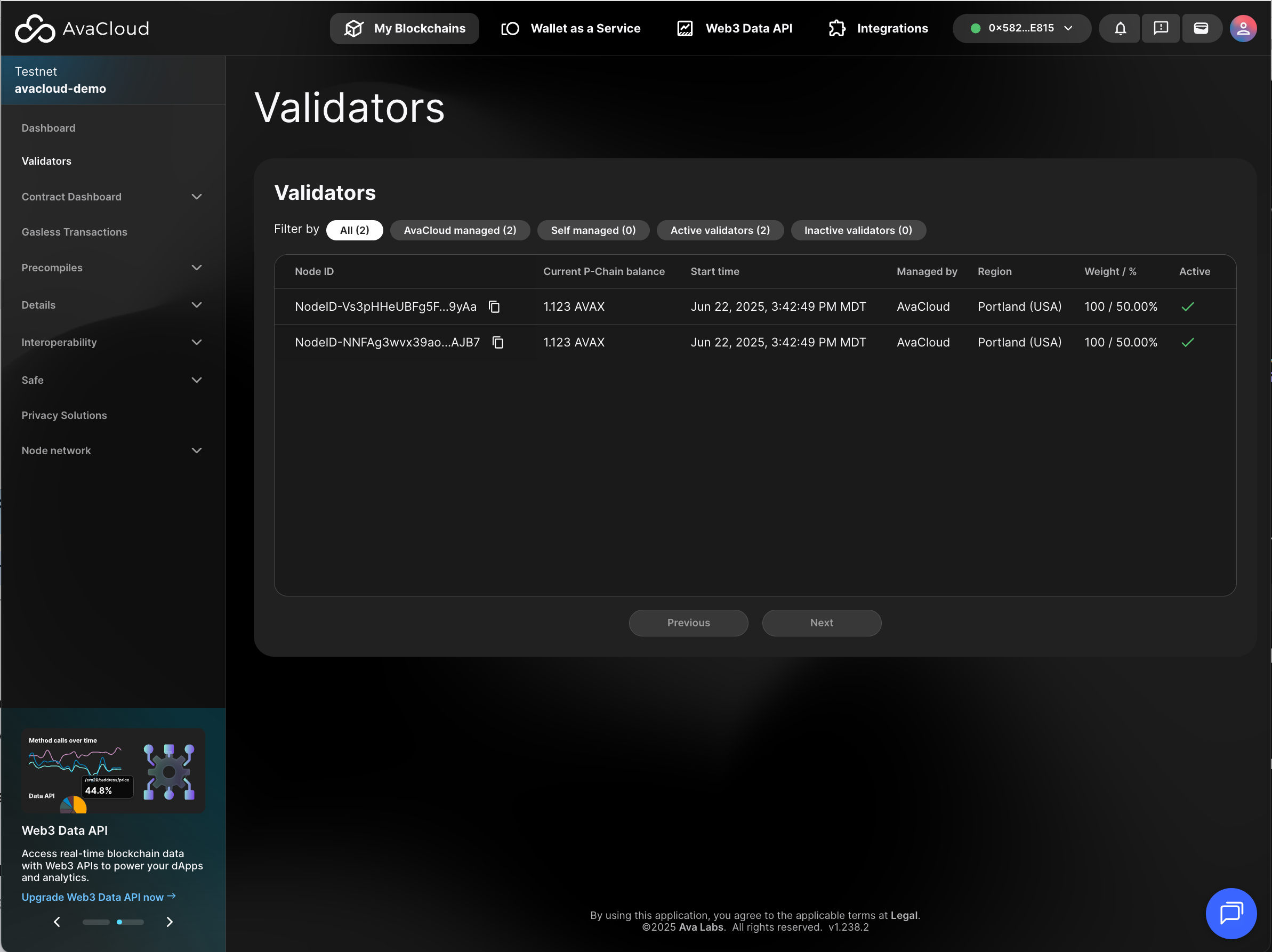
Validators
Monitor your validator nodes and manage their configurations from this section.
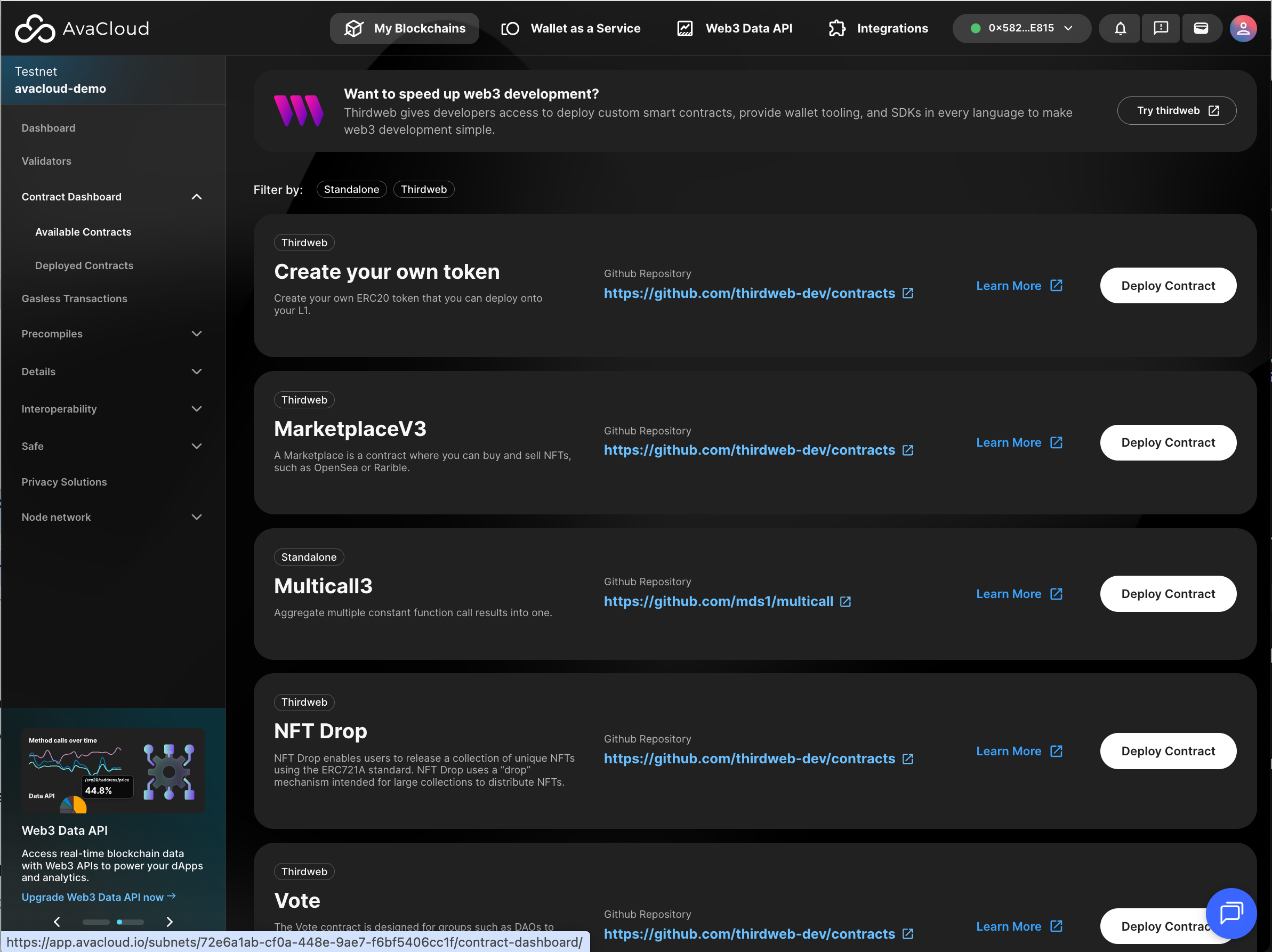
Contract Dashboard
Browse and manage smart contracts deployed on your L1. Review contract activity and deployment status here.
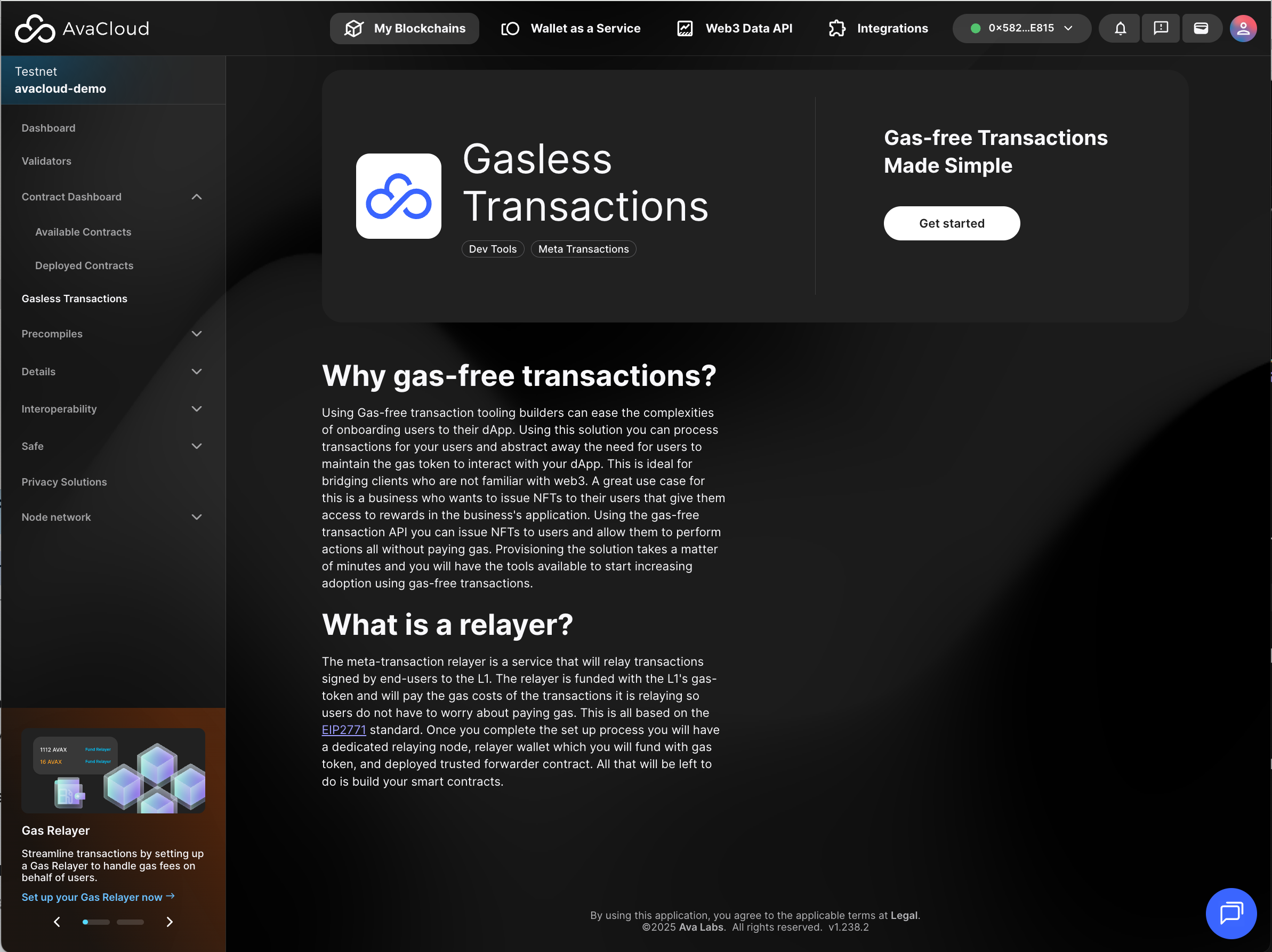
Gasless Transactions
Set up and monitor gasless (sponsored) transactions on your L1. For a walkthrough, see this guide.
Precompiles
Configure and enable advanced L1 protocol features via precompiles in this area.
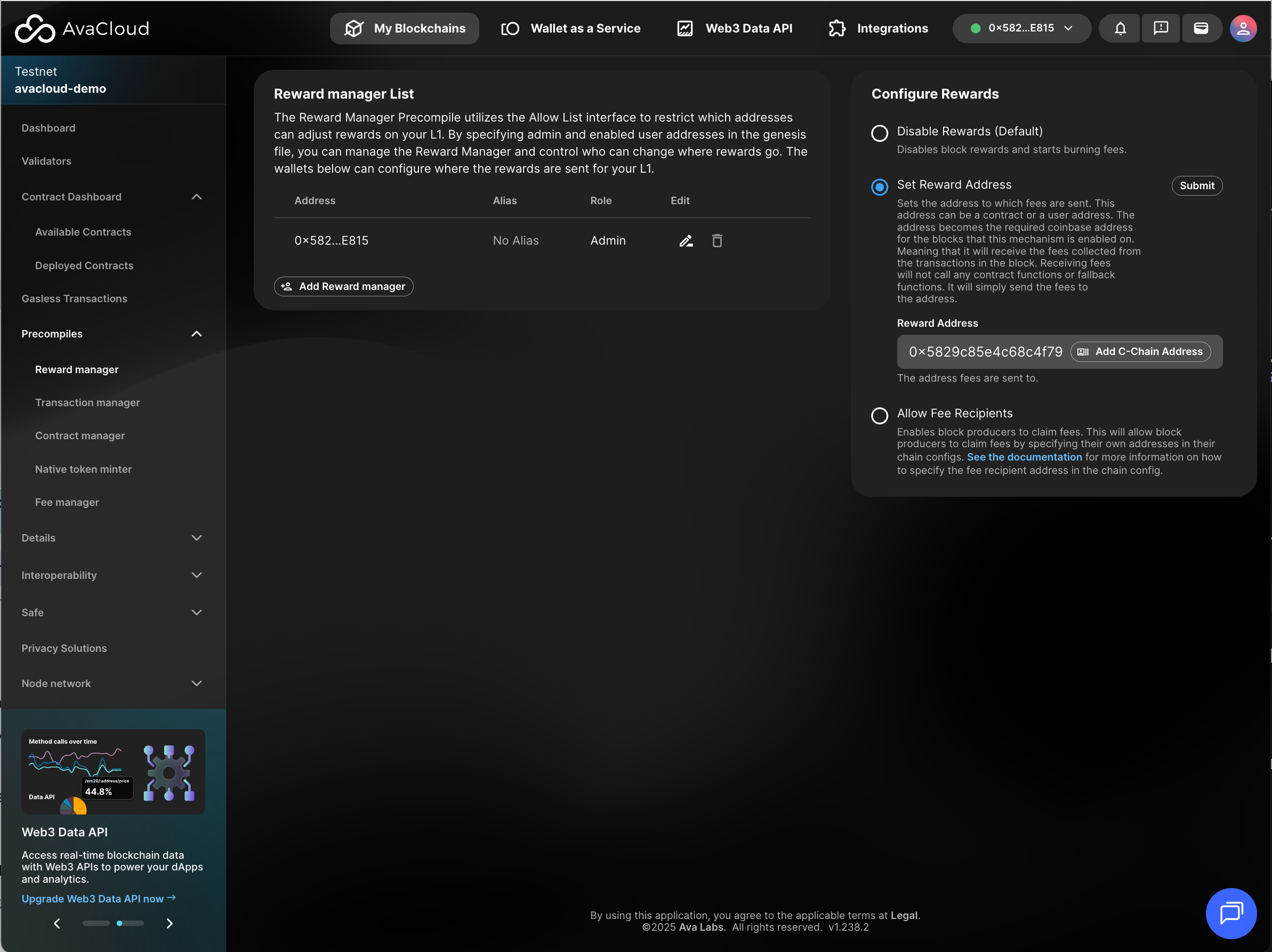
See each precompile and learn more about them in this article.
Details
This section gives you comprehensive information about your L1, organized into distinct panels:
Access Details
View all currently available access endpoints for your L1:
- Public RPC
- Websocket
- Developer RPC
- Developer Websocket
- Explorer
- Gasless RPC
- upgrade.json
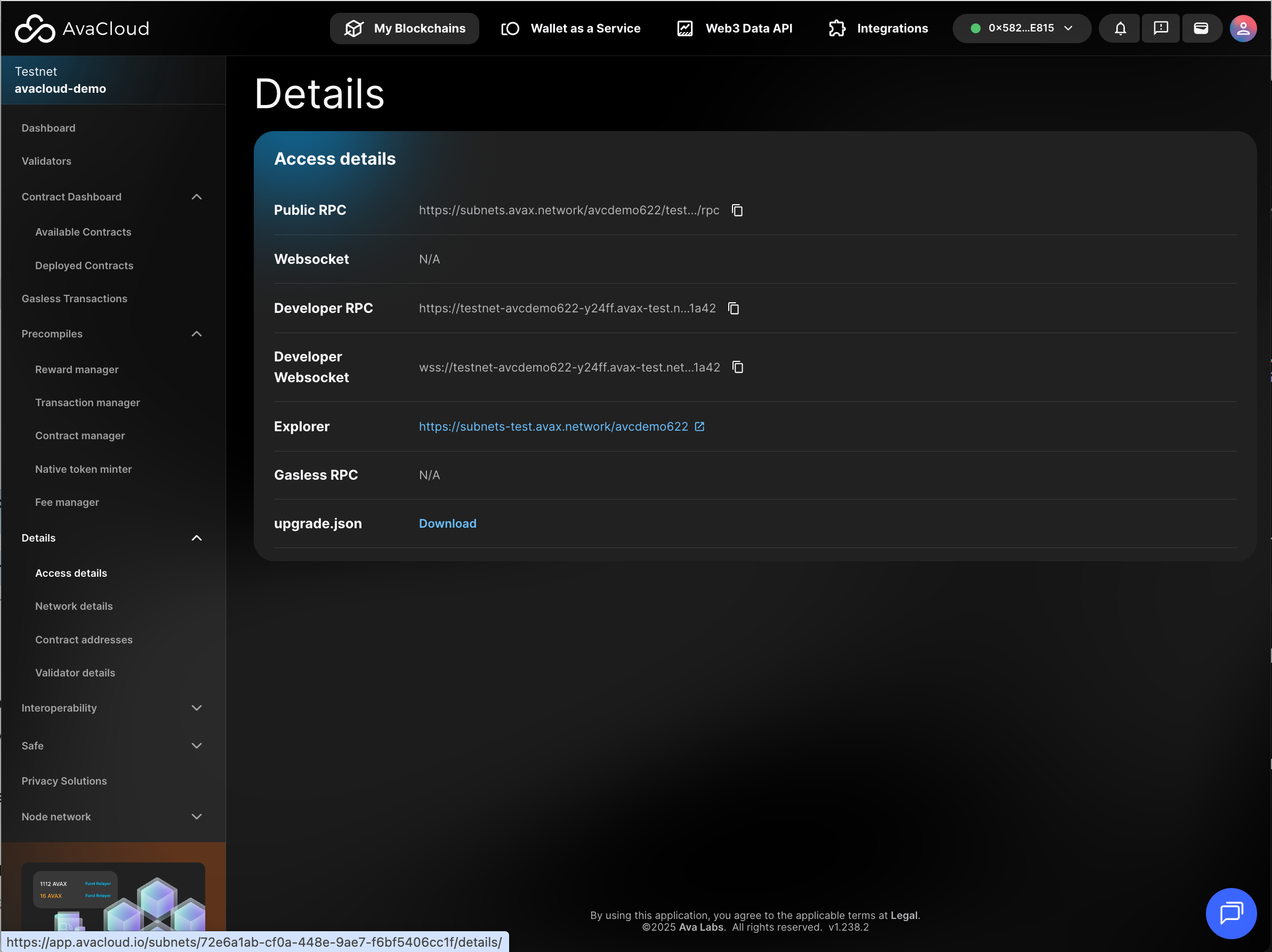
For a deeper understanding of the differences between public and developer RPC services, see this documentation.
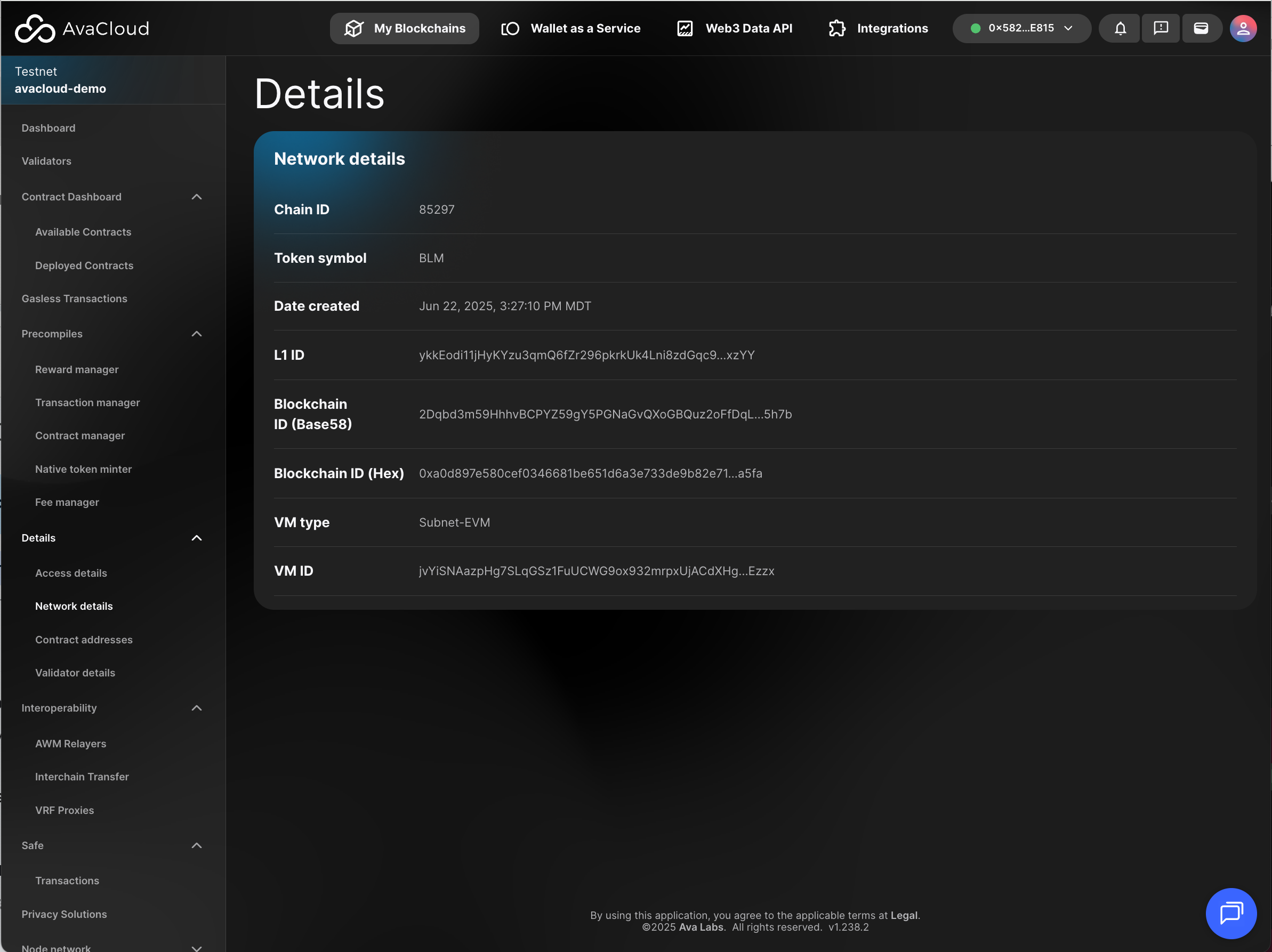
Network Details
Find essential network identifiers, such as Chain ID, L1 ID, Blockchain ID, and more.
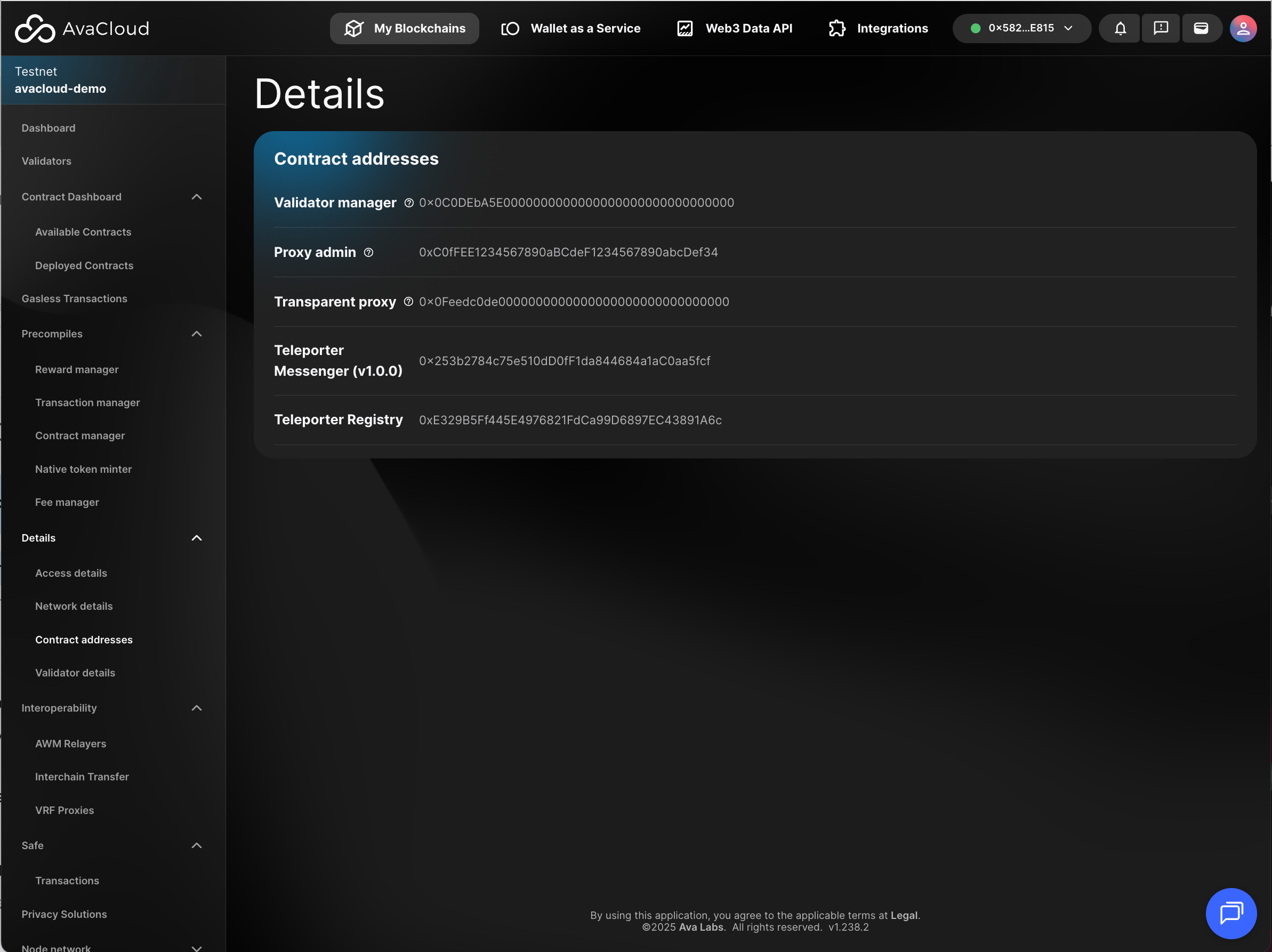
Contract Addresses
Access the addresses for smart contract deployed on your L1 during deployment in this panel.
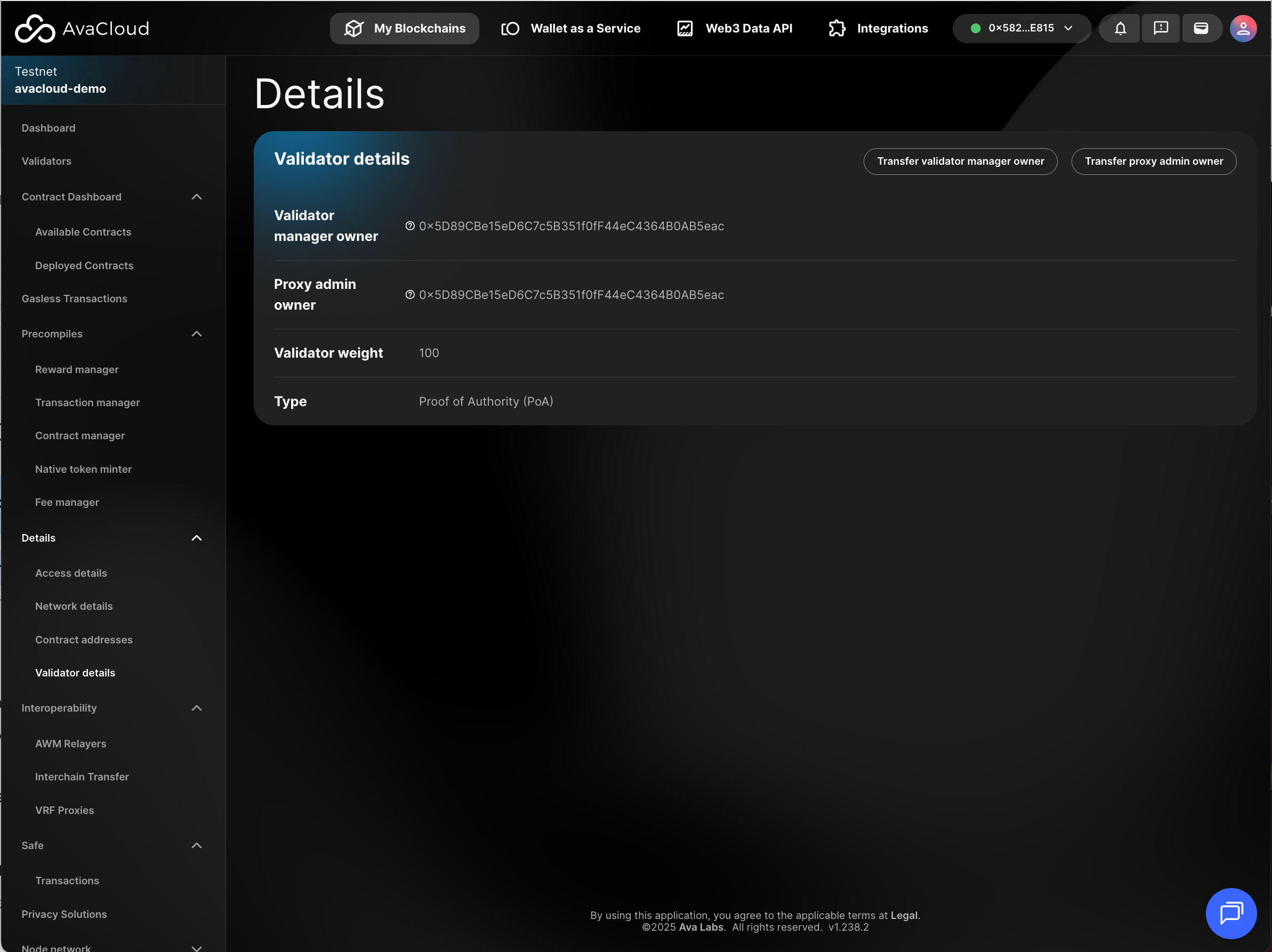
Validator Details
Review details for each validator node associated with your L1. You’ll also find controls for transferring ownership of the validator manager and proxy admin here.
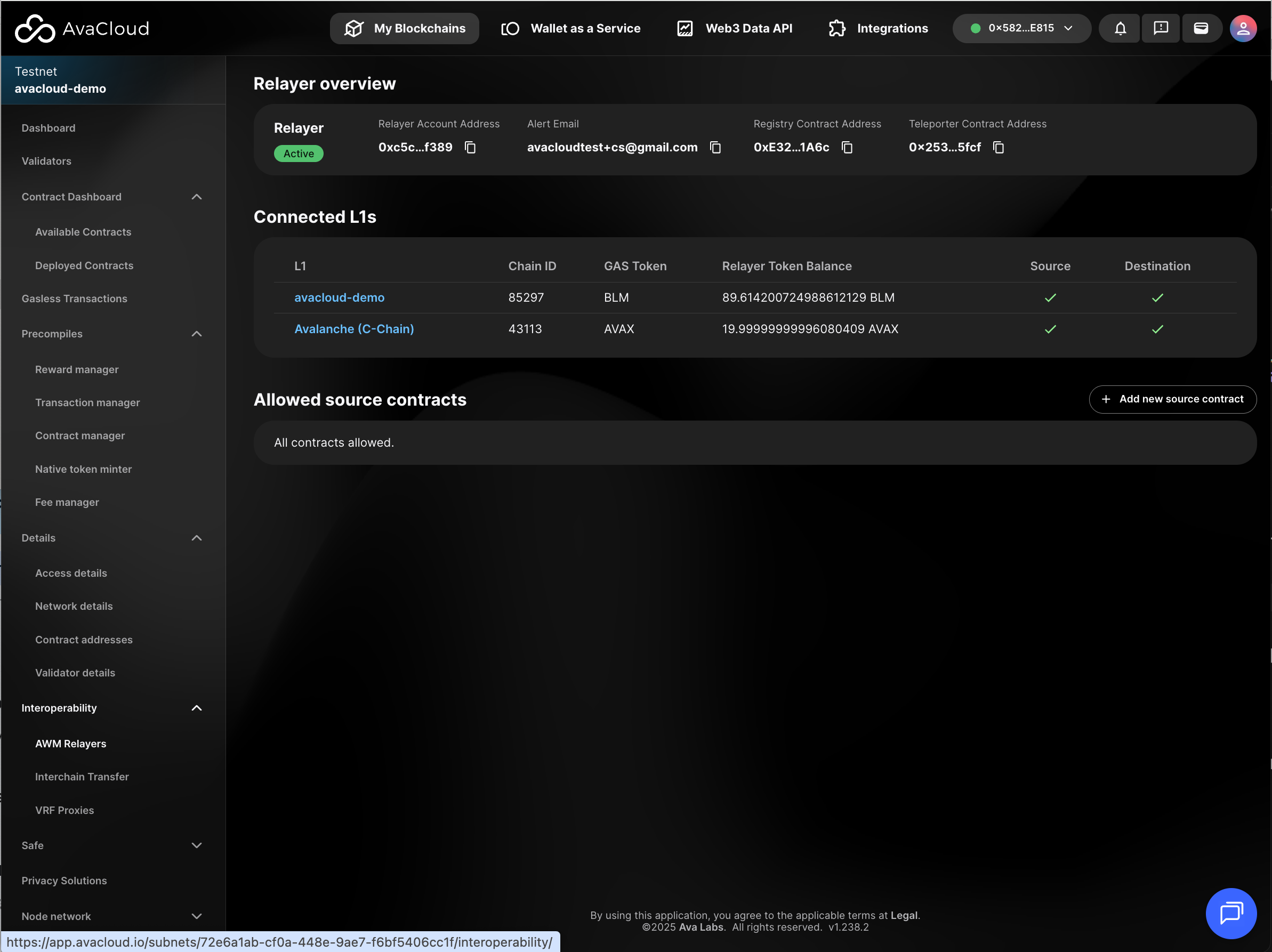
Interoperability
Access settings for interoperability features such as cross-chain messaging and token transfers. For more, visit the interoperability docs.
ICM (AWM) Replayers
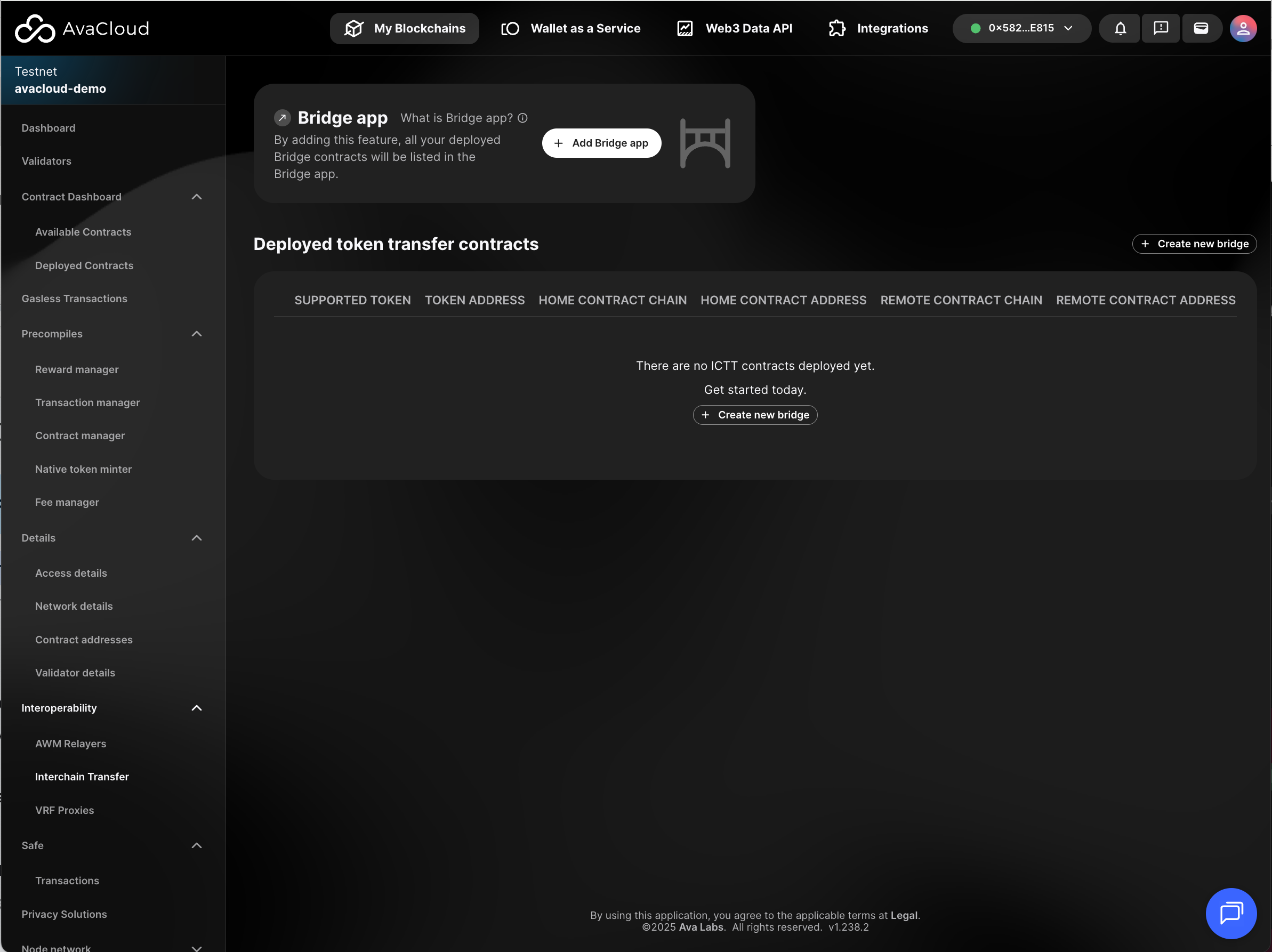
Interchain Transfer
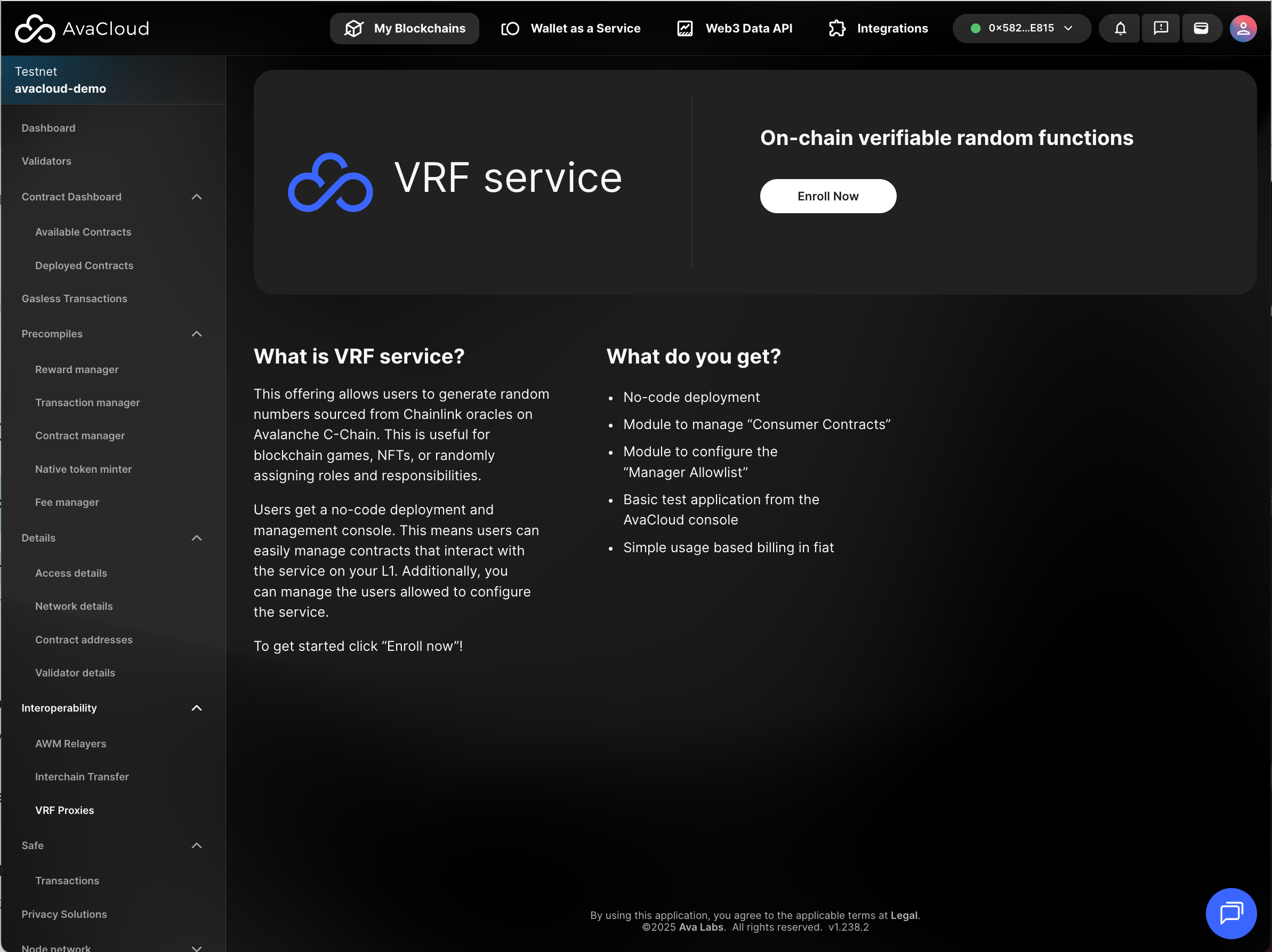
VRF Proxies
Privacy Solutions
Discover and enable privacy tools and solutions available for your L1 blockchain.
If you need more help, explore our other articles or reach out to our support team via chat or email [email protected]. All examples provided are for demonstration purposes only.
Learn More About AvaCloud | Download Case Studies | Schedule an AvaCloud Demo
