

How to Manage My Profile?
Prerequisites
- You must be signed up and logged in to the AvaCloud portal. Need help? See: How do I sign up and log in?
Accessing Your Profile
To view or update your profile settings, click Account at the bottom of the sidebar and select Profile from the menu.
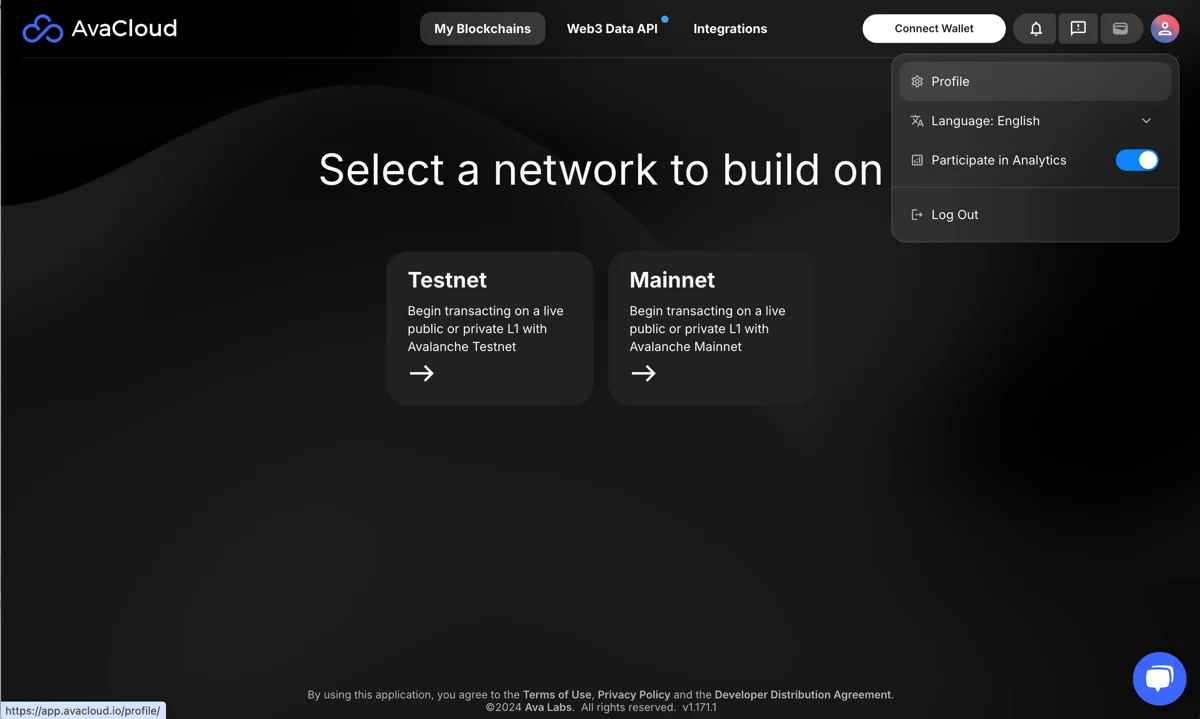
Inside the Profile section, you can manage the following areas: account info, organization details, security & password, notifications, and billing.
Account Holder
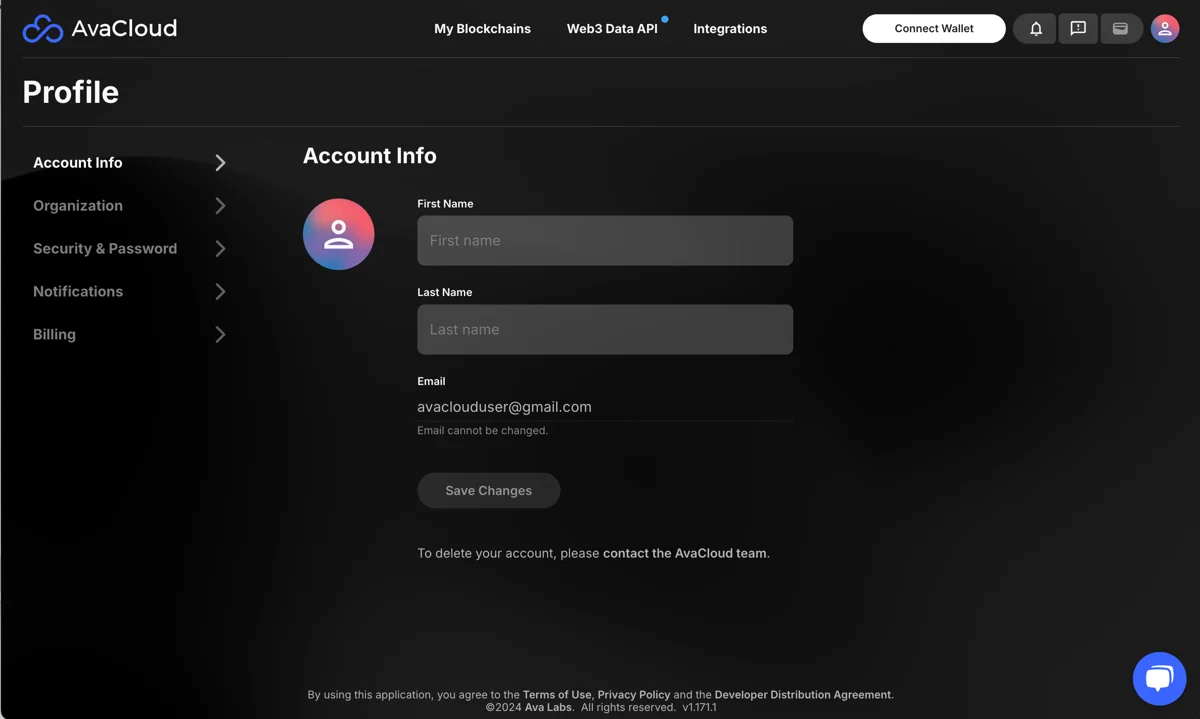
In the Account holder tab, users who did not sign up with Google can change their first and last name. You can also upload a profile picture here.
Organization
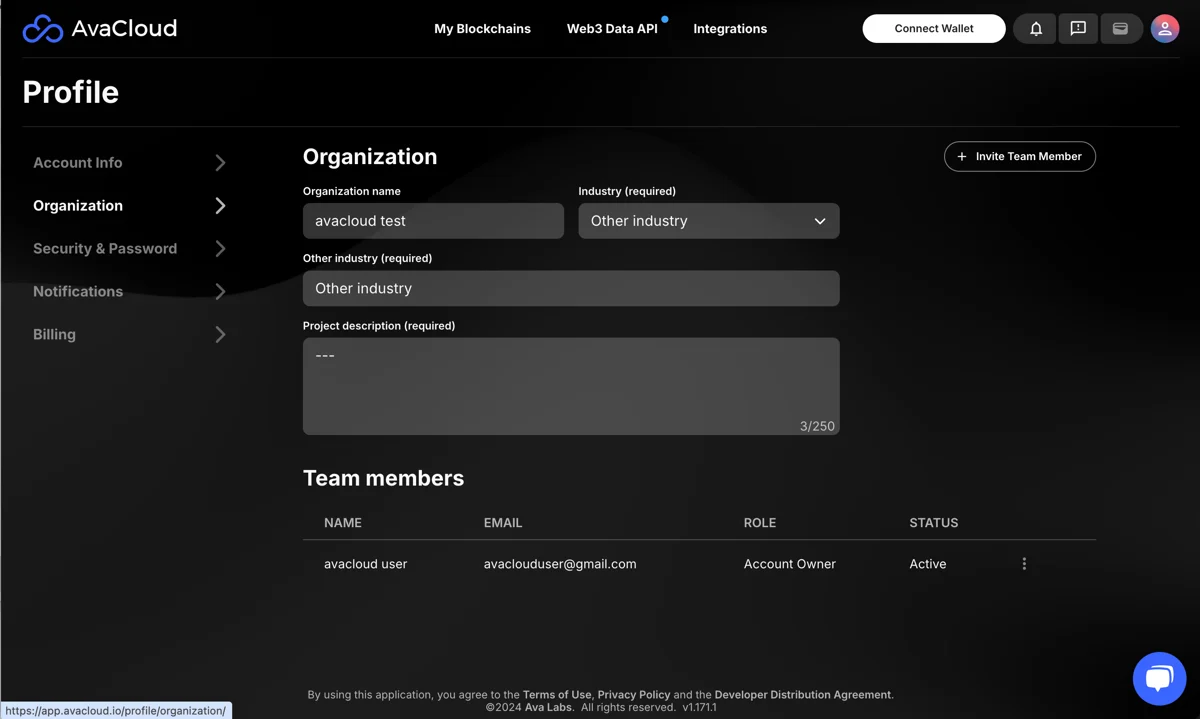
In the Organization section, you can update organization details and invite other users to your organization for collaboration.
Security & Password
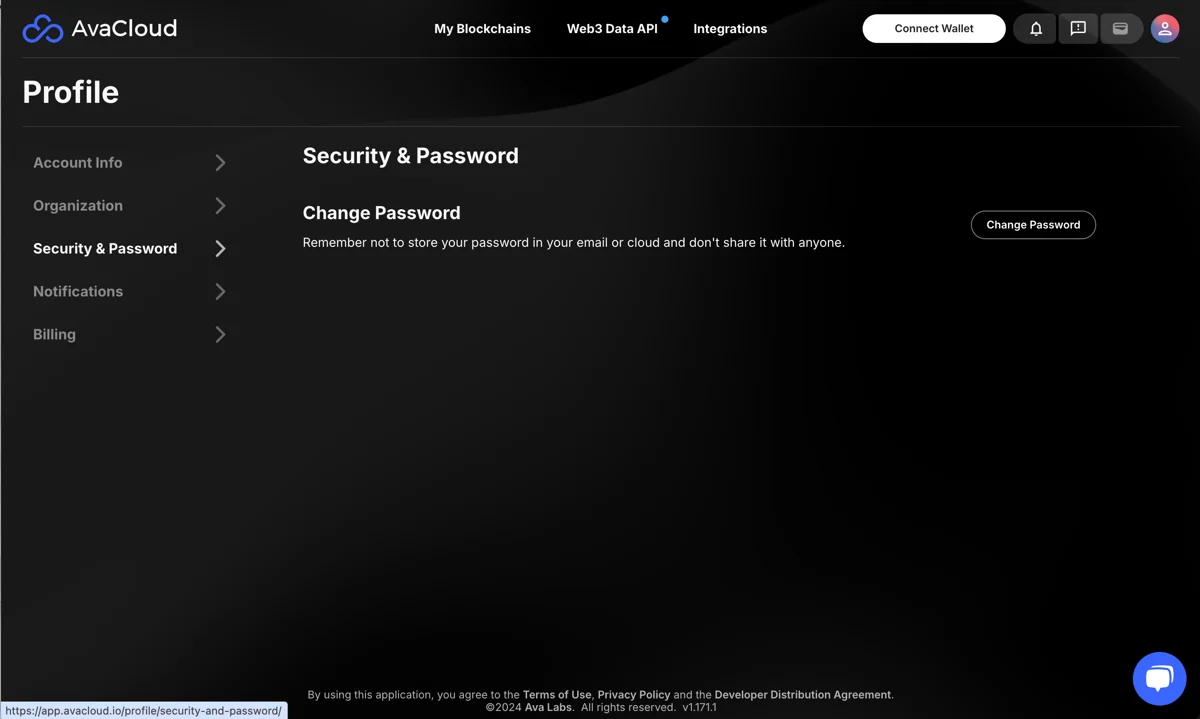
For users who did not sign up with Google, password changes are available in the Security & password tab.
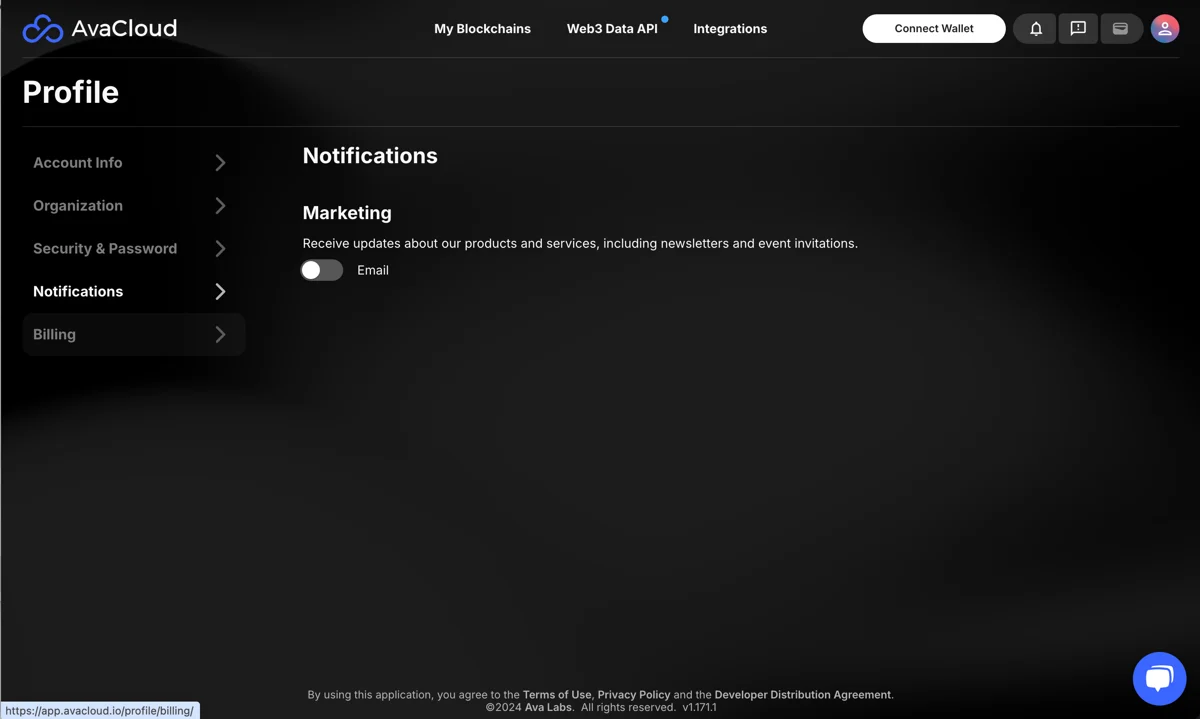
Notification Settings
Manage your notification settings or view recent account alerts from here.
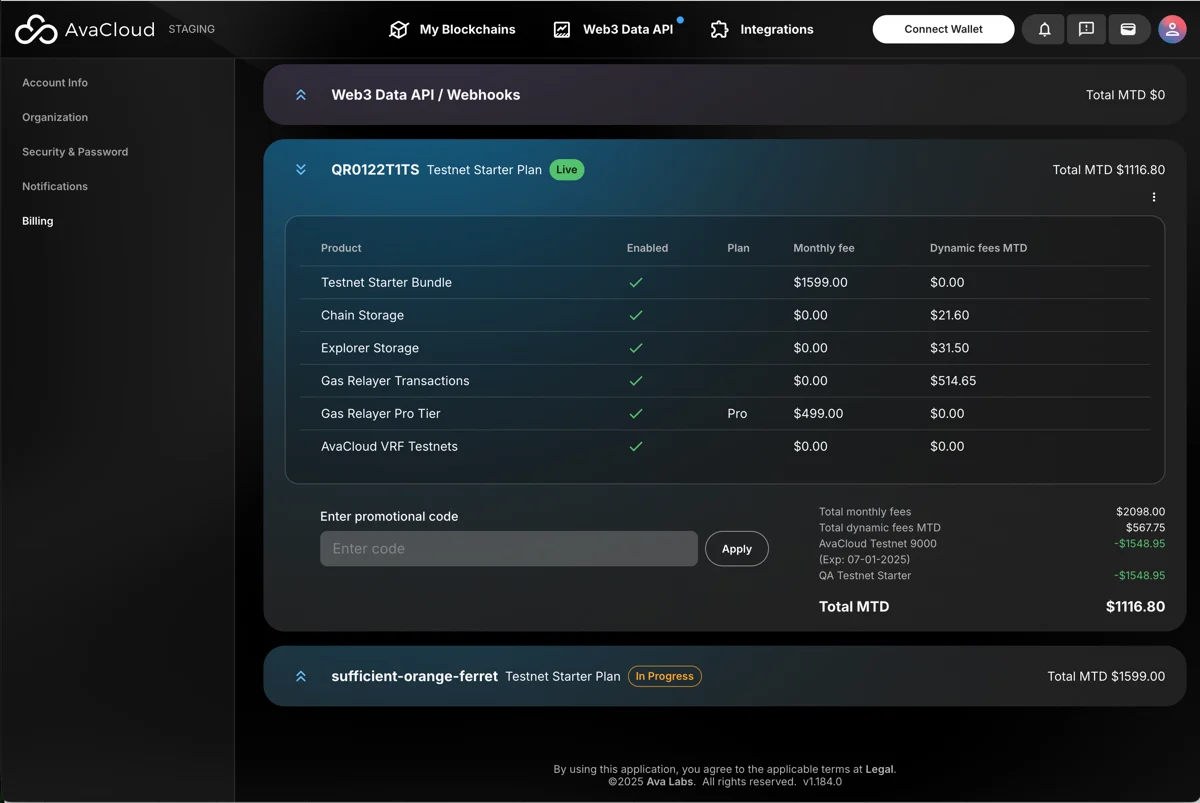
Billing
The Billing section provides details about your billing information and payment history.
If you need more help, explore our other articles or reach out to our support team via chat or email support@avacloud.io. All examples provided are for demonstration purposes only.
Learn More About AvaCloud | Download Case Studies | Talk to Our Team